How to Make a Clean, Aesthetic Photo Collage
An aesthetic collage is more than a pile of photos. The key is the image selection, the colour palette, and consistent spacing. This guide helps you build a clean collage without extra design software.
- Free, no account
- Processed on Your Device • No Server Upload
- No Watermarks
 1
 2
 3
 4
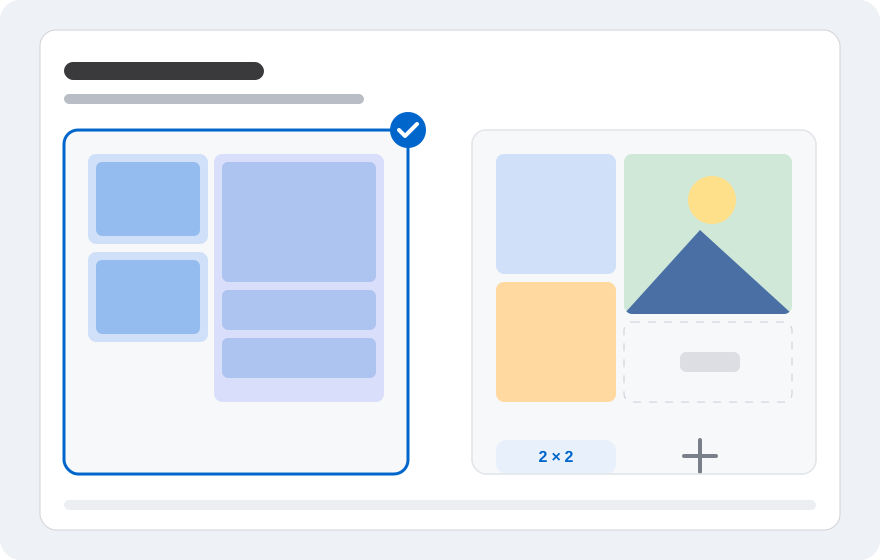
Layout illustration, not an editor screenshot.
What makes a collage look aesthetic?
A collage that feels good to look at usually balances content and empty space. Not every photo has to fill the canvas. Sometimes one large hero photo and a few smaller supporting shots are more interesting.
Consistency matters too. If all the photos share a similar colour tone, the collage feels like one piece. Photos with wildly different colours make it harder for the eye to find a focal point.
Choose a theme and colour palette
Start with a theme: travel, products, food, outfits, or a moodboard. From that theme, pick three to five dominant colours. A limited palette makes it easier to choose photos and a background that work together.
If the photos already have varied colours, use a neutral background such as white, cream, or grey. A calm background gives the photos room to stand out without making the collage feel busy.
Decide the photo count and grid
For a social media feed, three to six photos is usually enough. A two-column grid gives each photo balanced space, while a three-column grid shows more moments. If you want to focus on one image, use one large photo and two supporting ones.
Do not force too many photos. The more images you add, the less room each one gets, and important details disappear on a phone screen.
Keep the ratio and spacing consistent
Use the same aspect ratio for every photo when possible. Portrait and landscape can be mixed, but crop them or add space so the edges stay tidy. Keep the gaps consistent from top to bottom and left to right.
For a more modern look, try small gaps and crisp corners. For a softer style, use slightly larger gaps and a light-coloured background.
Add just enough text
Text can reinforce the theme, for example a short title, a date, or a place name. Too much text pulls attention away from the photos. Use only one or two text elements.
Choose an easy-to-read font and a large enough size. Make sure the contrast between text and background is strong, especially when the collage will be viewed on a phone.
Export for Instagram and TikTok
For an Instagram feed, a square or 4:5 ratio is often the safe choice. For Stories or TikTok, use a vertical 9:16 orientation. Check how the platform crops the image so important parts do not disappear.
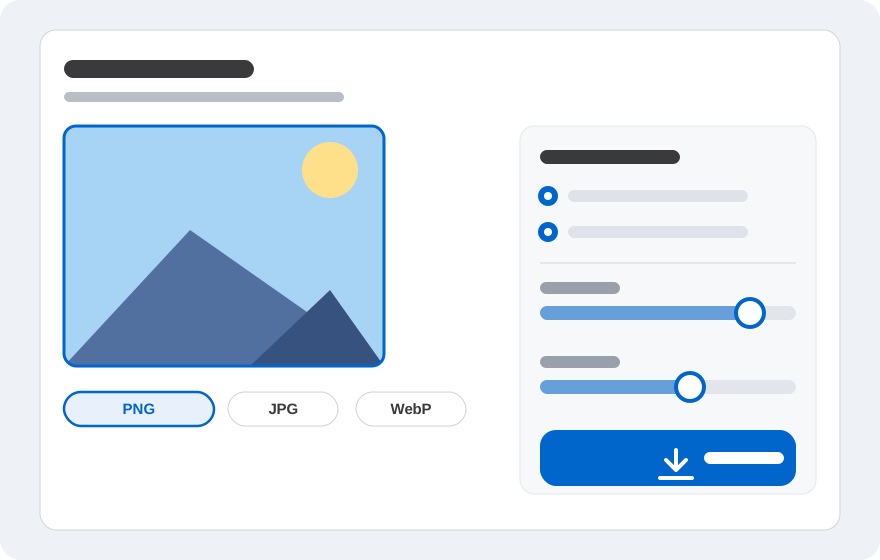
Save as PNG if you want sharp detail, or JPG/WebP if file size matters. Do not upload an image that is too small, because the platform will enlarge it and the result may look blurry.
Collage ideas to try
Try a single-colour collage with several photos that share a similar tone. Or make a travel collage with one large landscape and a few small details. For products, use one main photo and two close-ups of texture.
You can also make a before-and-after collage, a step-by-step recipe collage, or a moodboard for a design project. The key is to stay consistent and avoid overloading the canvas.
Frequently asked questions
Short answers to what people ask most before starting.
Does an aesthetic collage need lots of photos?
No. Three to six photos are often enough. Too many photos make the collage feel busy and the details become hard to see.
Which colours work well for an aesthetic collage?
Pick three to five dominant colours that complement each other. A neutral background such as white, cream, or grey helps tie the photos together.
Can I make a collage on my phone?
Yes. Open gabungfoto.com in your phone browser, choose the grid layout, and arrange the photos. For the best result, use reasonably sized photos.
Is there a watermark?
There is no automatic watermark. You can add your own text if you want a title or caption.
Which format is best for Instagram?
PNG keeps sharp detail, while JPG or WebP can produce smaller files. Match the ratio to the type of post.
What if the collage looks blurry?
Use higher-resolution photos and avoid enlarging small ones. Check the export size before uploading.
Ready to try?
Open the editor, choose your photos, and arrange the result right in your browser. No account and no image uploads to a server.